
Building frame-by-frame animation assets manually usually means drawing each frame one by one. That is expensive in time and consistency effort. With Wan 2.7 Image Sequential Mode, you can generate a coherent 12-frame motion sequence from a single prompt, ready for animation prototyping, game sprite workflows, and dynamic poster production. In this guide, we show the exact setup and practical prompt method on Wan 2.7 Image.
I. What Is Sequential Mode?
Sequential mode (enableSequential: true) is designed for continuous image sequences, not random independent outputs. Compared with normal multi-image generation, sequential mode emphasizes:
- Character consistency: same character identity and visual traits across frames.
- Motion continuity: smooth transition from start pose to end pose.
- Scene stability: background composition stays coherent over the timeline.
Best-fit Scenarios
| Scenario | How It Helps |
|---|---|
| Frame-by-frame animation | Walking, running, jumping, or expression transitions. |
| Dynamic posters | Smooth visual phase changes for motion design assets. |
| Game development | Fast draft generation for sprite sheet sequences. |
| Product showcases | Rotation-like multi-angle storytelling with coherent background. |
II. Core Parameters (Copy & Paste)
On /home/wan/2-7-image, use this baseline:
{
  "model": "wan-2-7-image",
  "prompt": "Generate a sequence of 12 images showing a character walking across a city street. Frame 1: character at left edge, standing. Frame 2-4: starting to walk. Frame 5-8: mid-stride. Frame 9-11: approaching right edge. Frame 12: character at right edge, turning back to smile. Consistent character design, consistent background, smooth progression. Cartoon illustration style, bright colors.",
  "aspectRatio": "16:9",
  "n": "12",
  "resolution": "2K",
  "enableSequential": true,
  "watermark": false,
  "seed": "456"
}
Parameter Breakdown
| Parameter | Value | Purpose |
|---|---|---|
enableSequential | true | Enables coherent sequence generation instead of independent images. |
n | 12 | Generates 12 frames in one run (ideal for motion sequence prototyping). |
resolution | 2K | Keeps details usable for animation pipelines and post-editing. |
seed | 456 | Improves reproducibility when iterating the same sequence logic. |
III. Prompt Design for Better Motion Continuity
The key to sequential mode is staged frame narration. Instead of vague motion descriptions, define clear ranges:
Frame 1: start state
Frame 2-4: transition
Frame 5-8: core motion
Frame 9-11: ending transition
Frame 12: final pose| Frame Range | Action Goal | Why It Matters |
|---|---|---|
| Frame 1 | Standing at left side | Establishes position and initial pose anchor. |
| Frame 2-4 | Start walking | Creates smooth static-to-motion transition. |
| Frame 5-8 | Mid-stride phase | Captures the core action cycle. |
| Frame 9-11 | Approaching right side | Builds controlled motion deceleration. |
| Frame 12 | Turn and smile | Adds closure and storytelling emotion. |
IV. Generated Sequence Example and Analysis
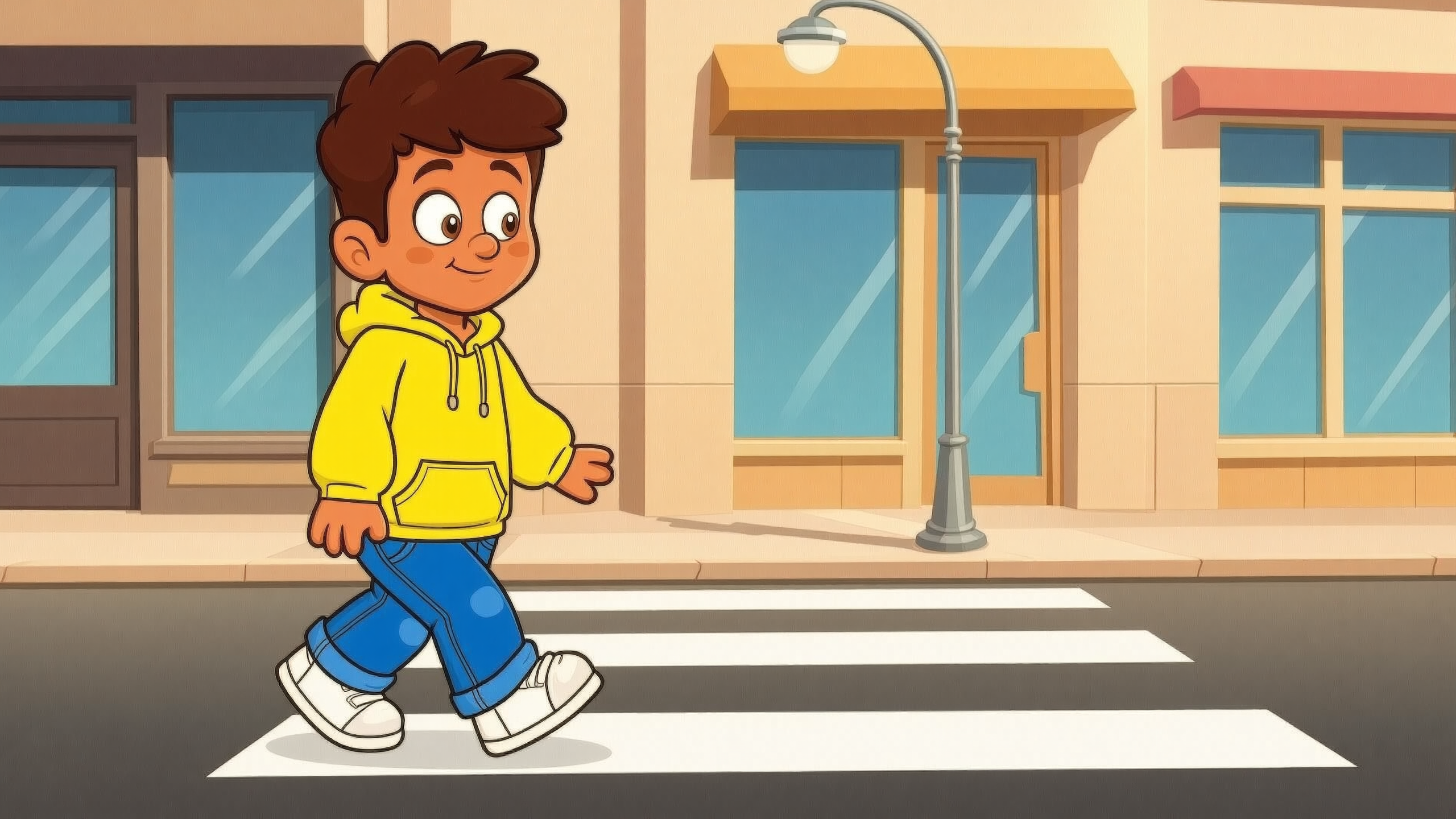
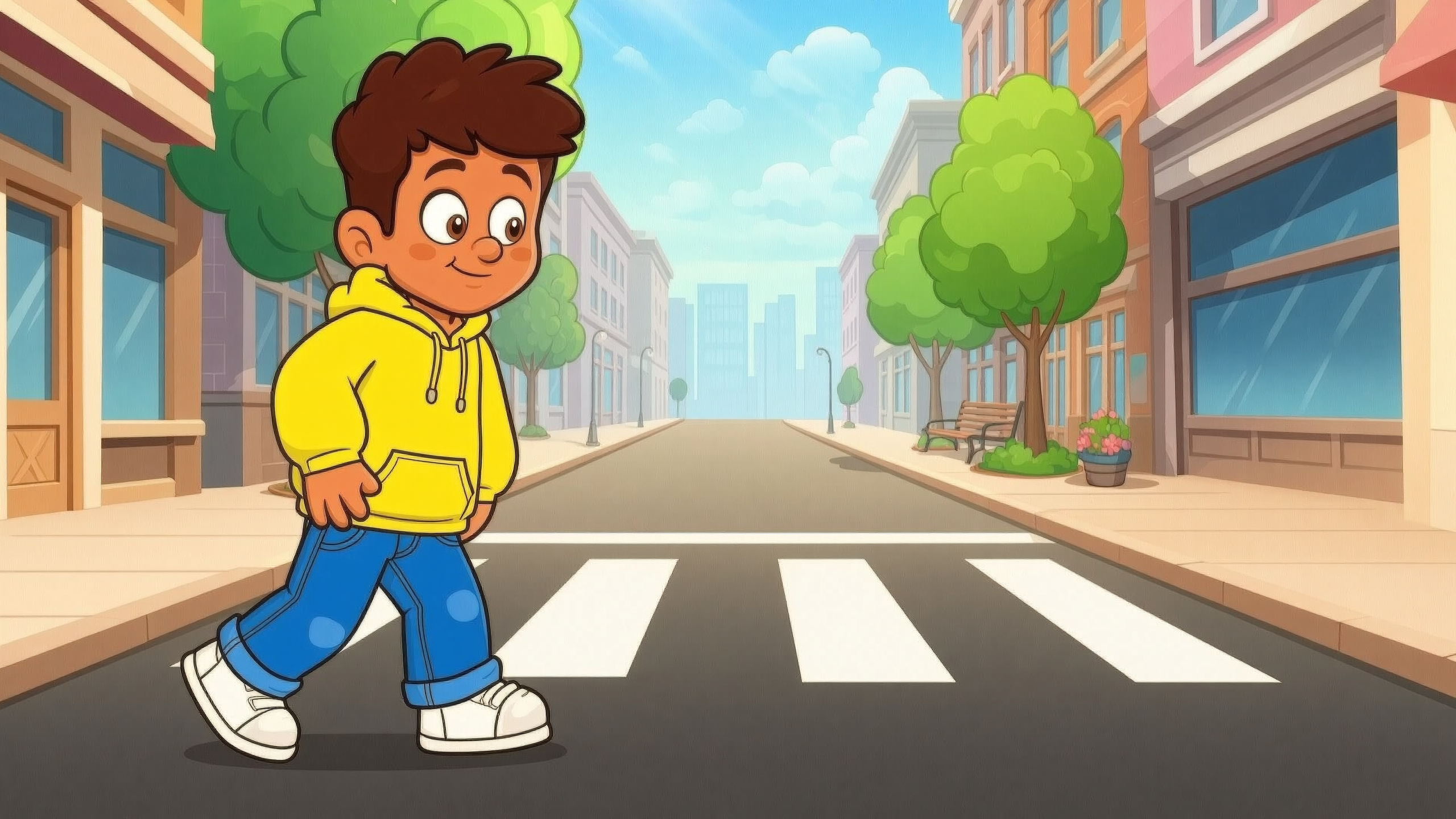
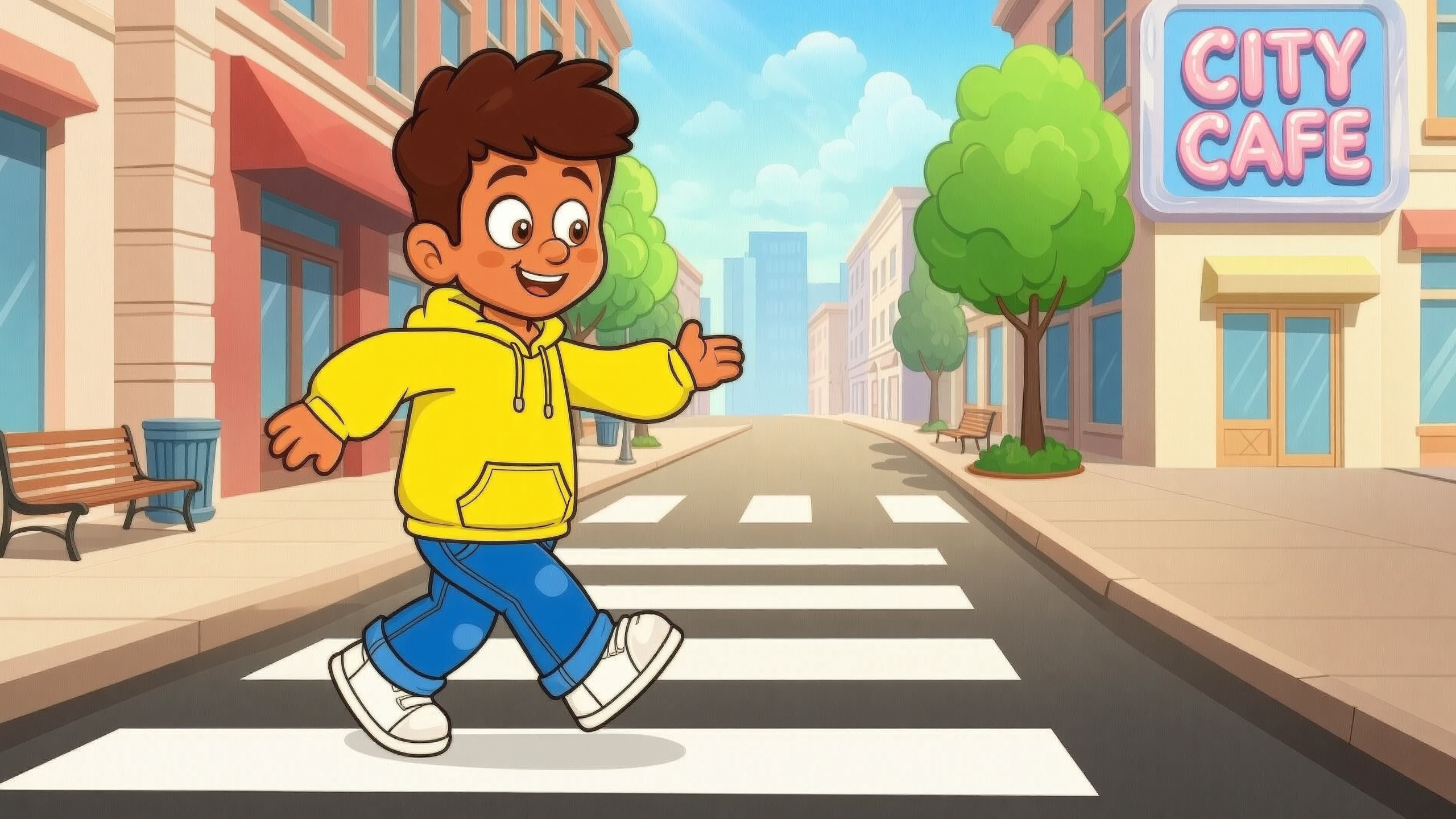
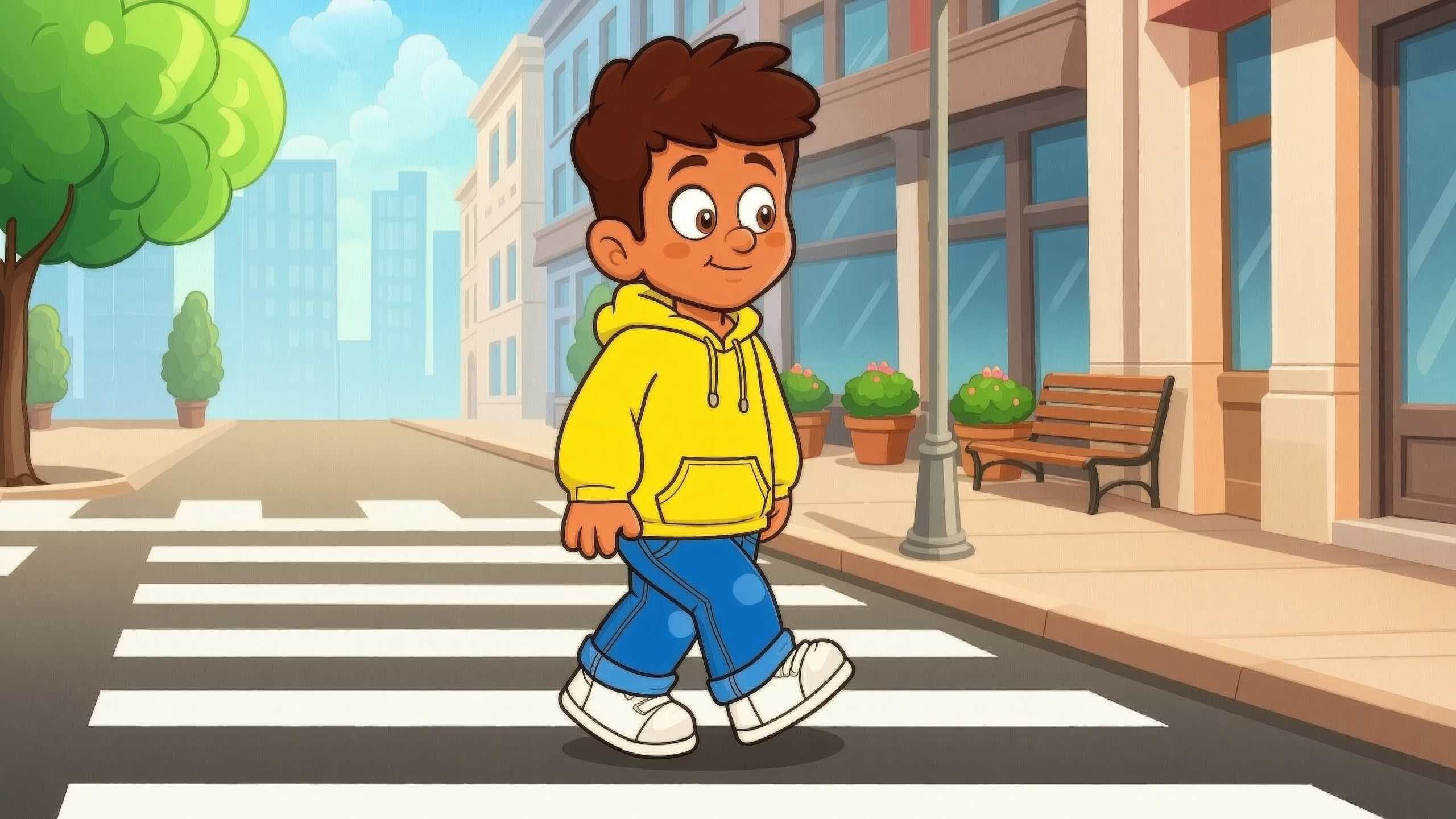
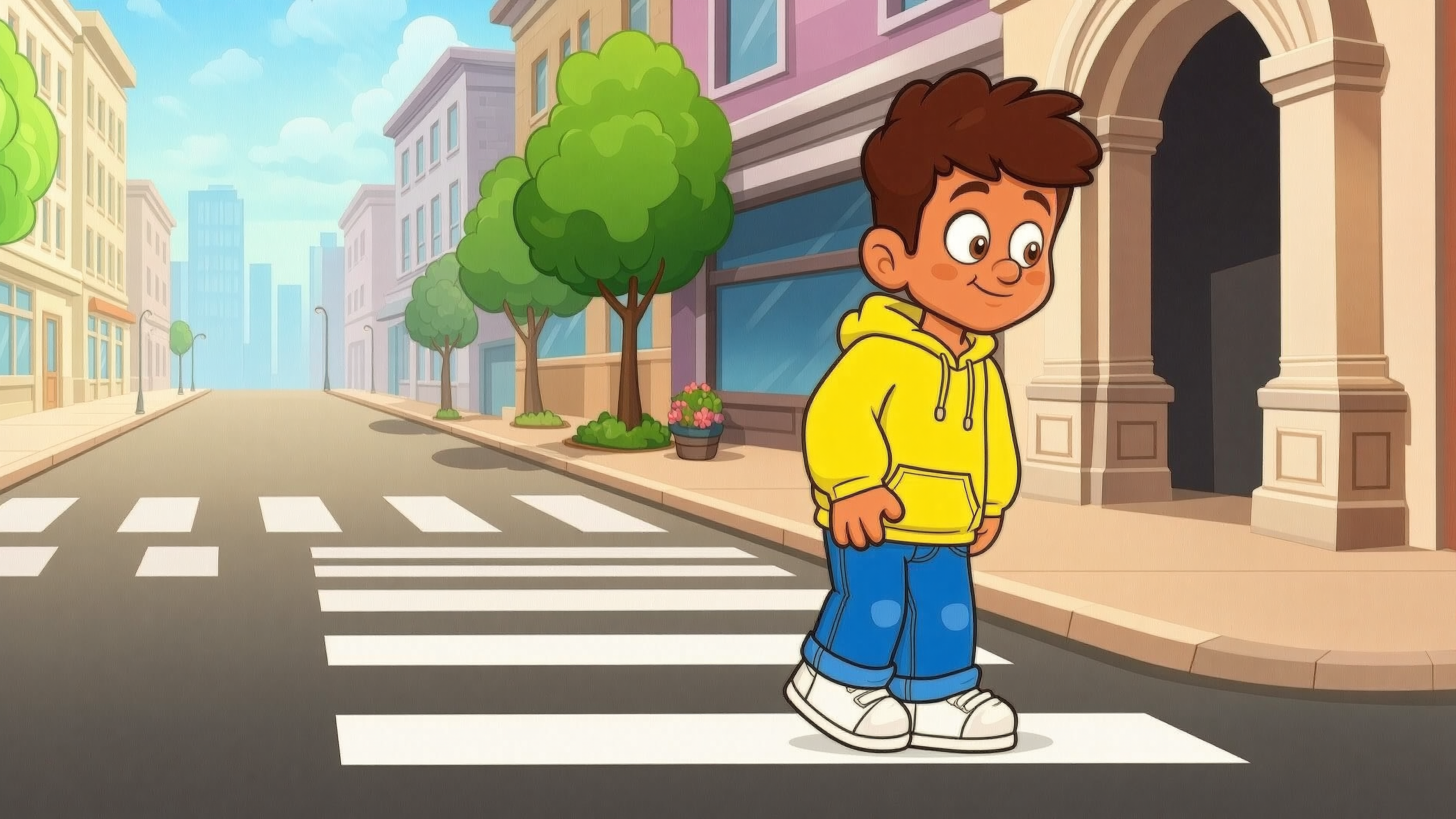
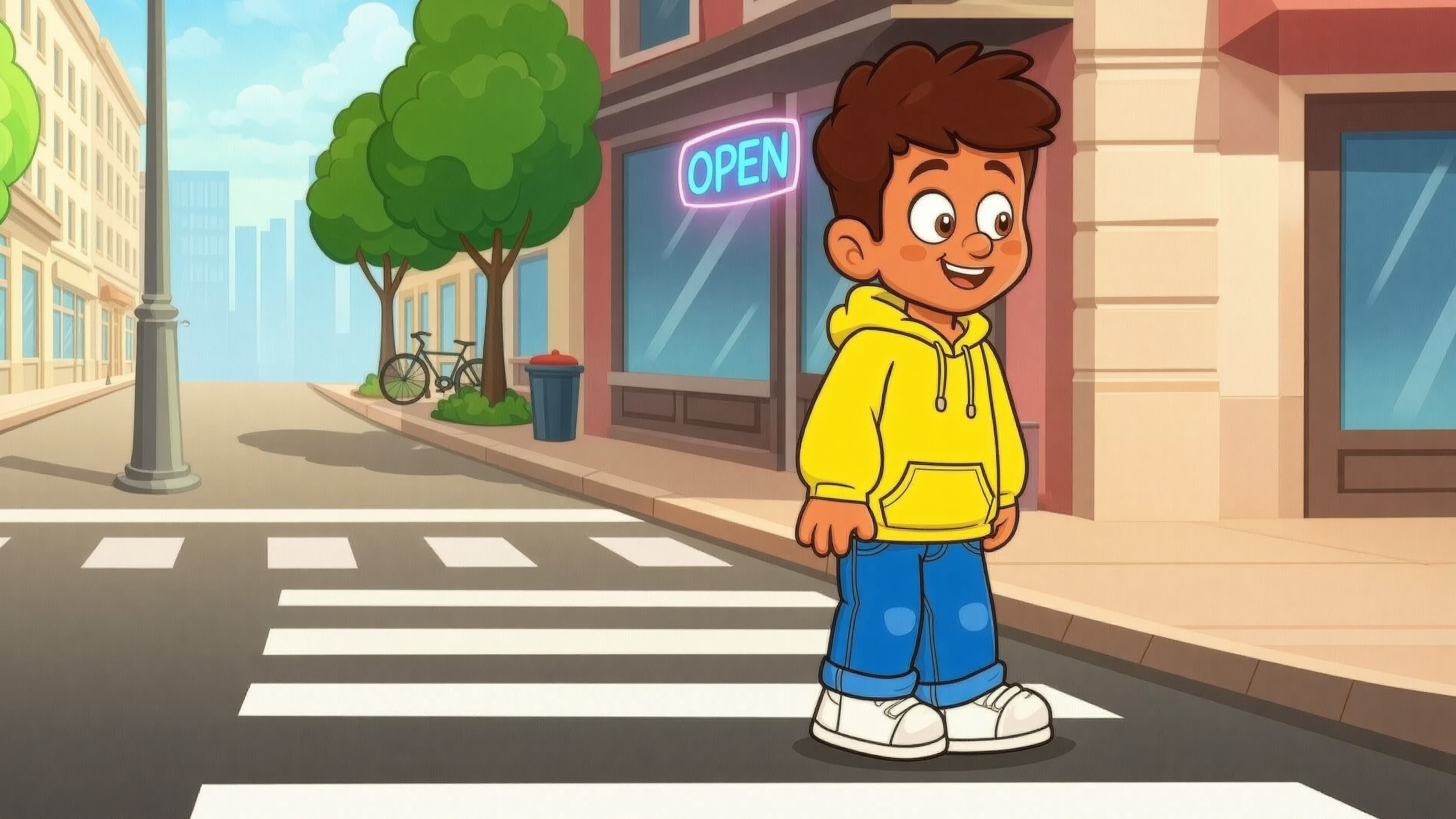
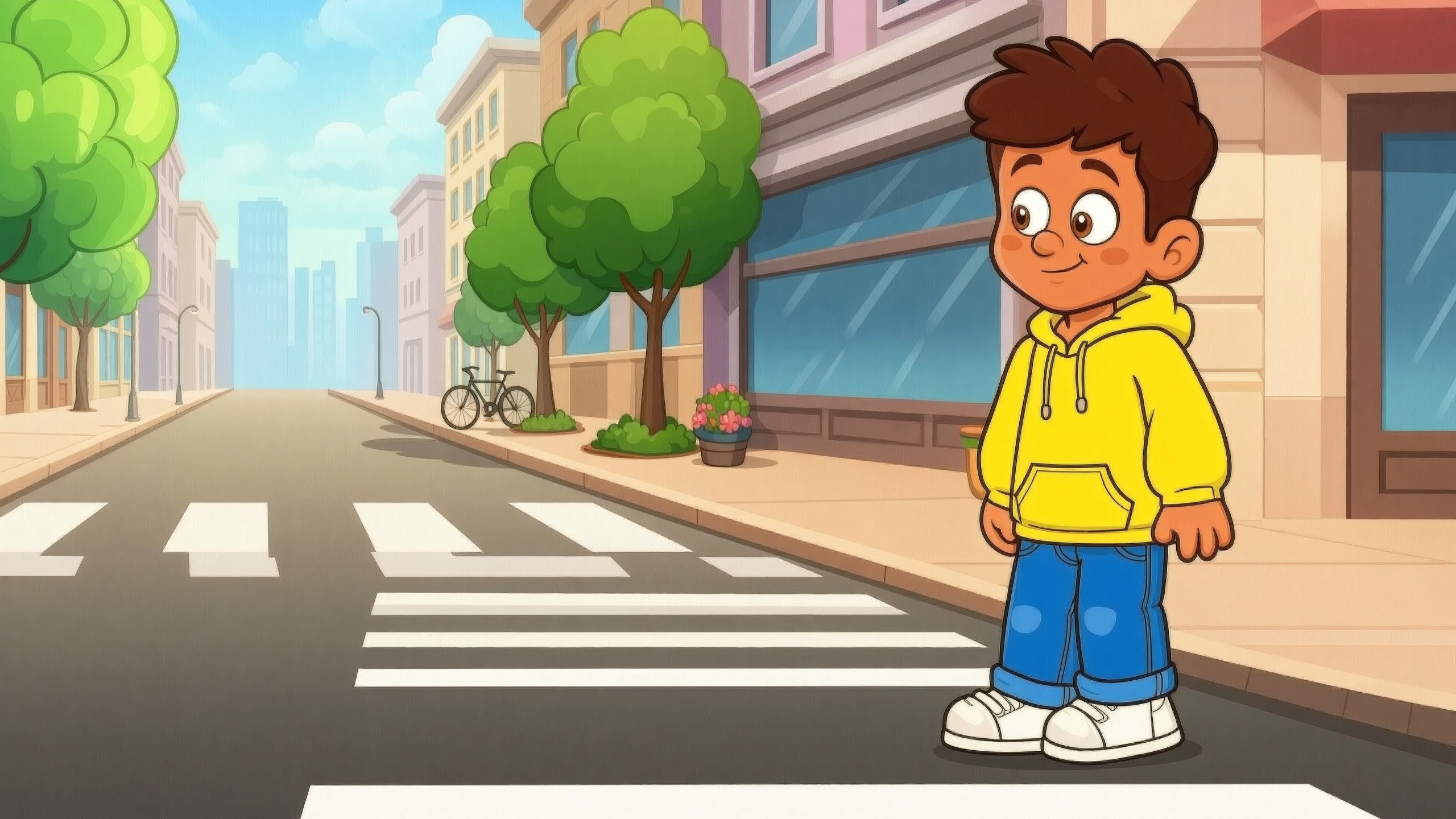
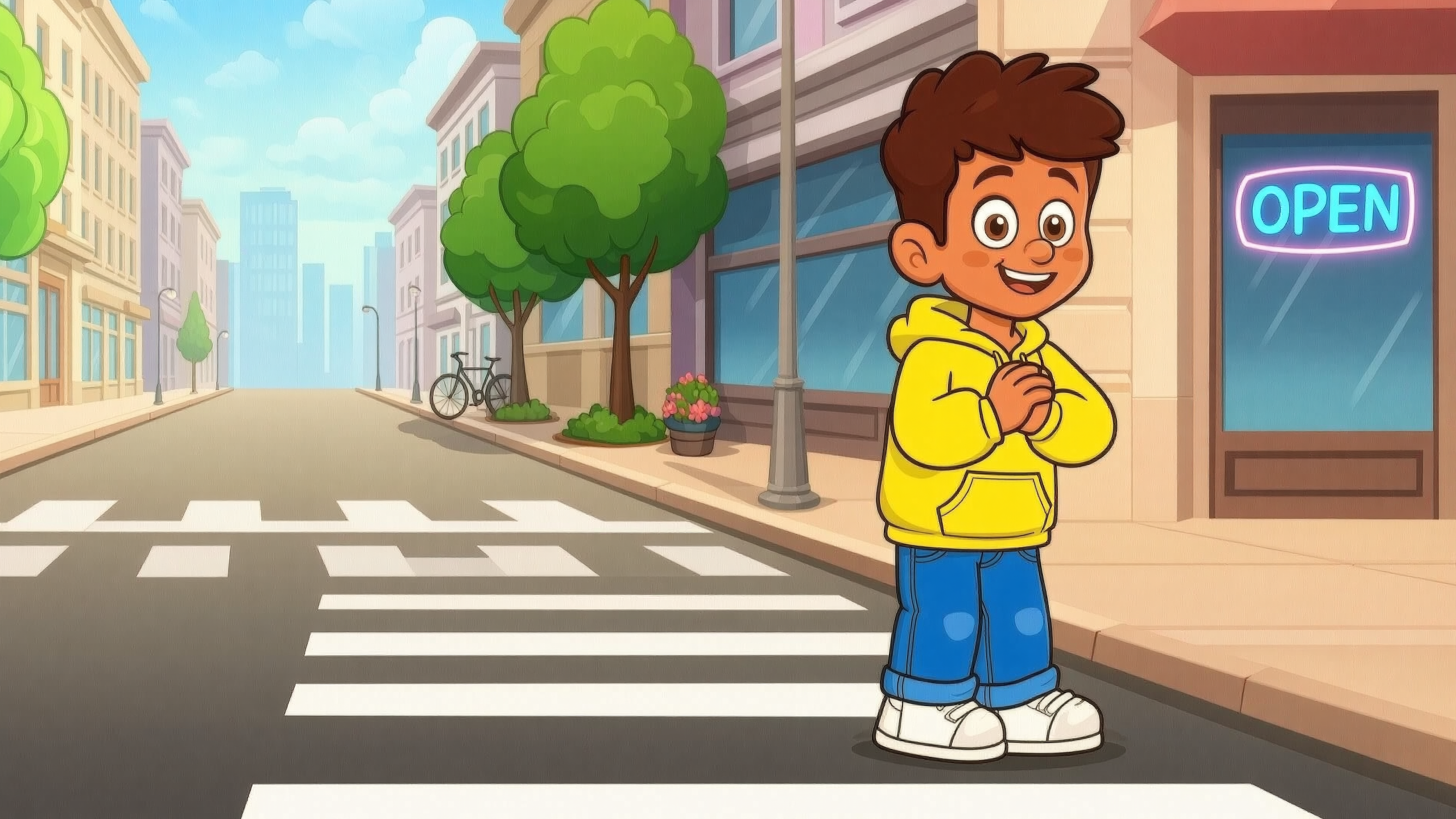
Example 12-frame output (rendered in a 4 x 3 grid):
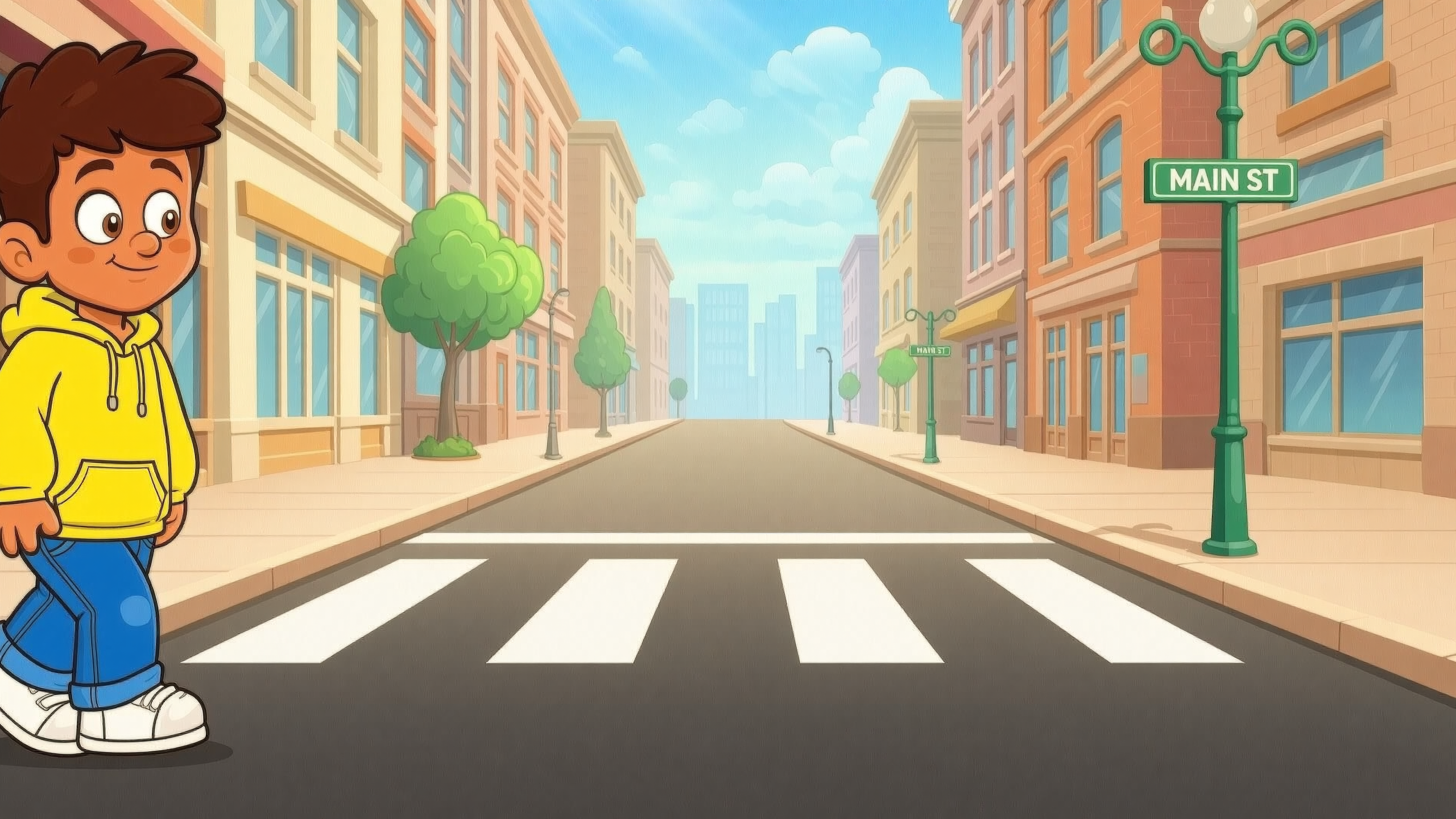
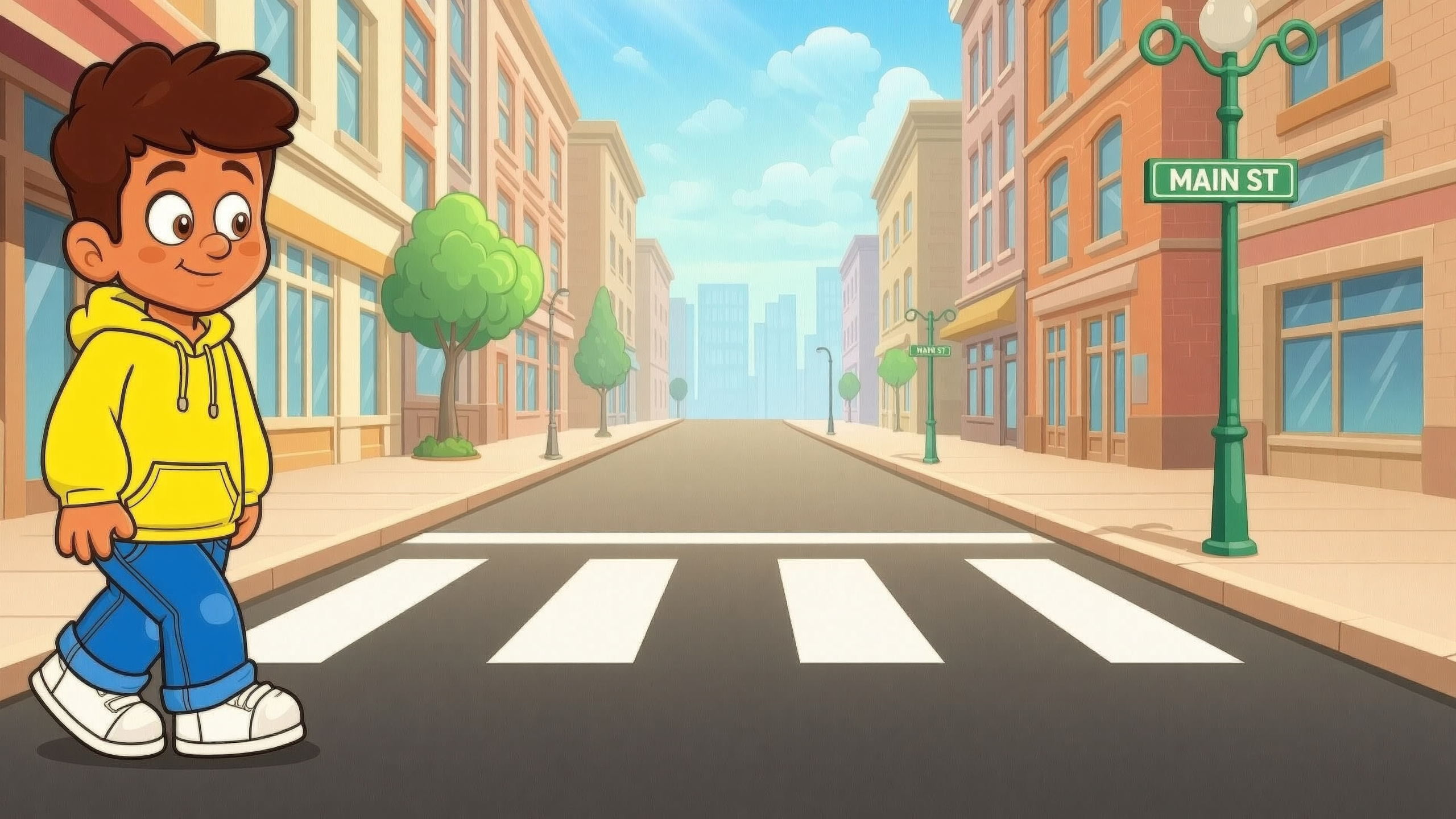
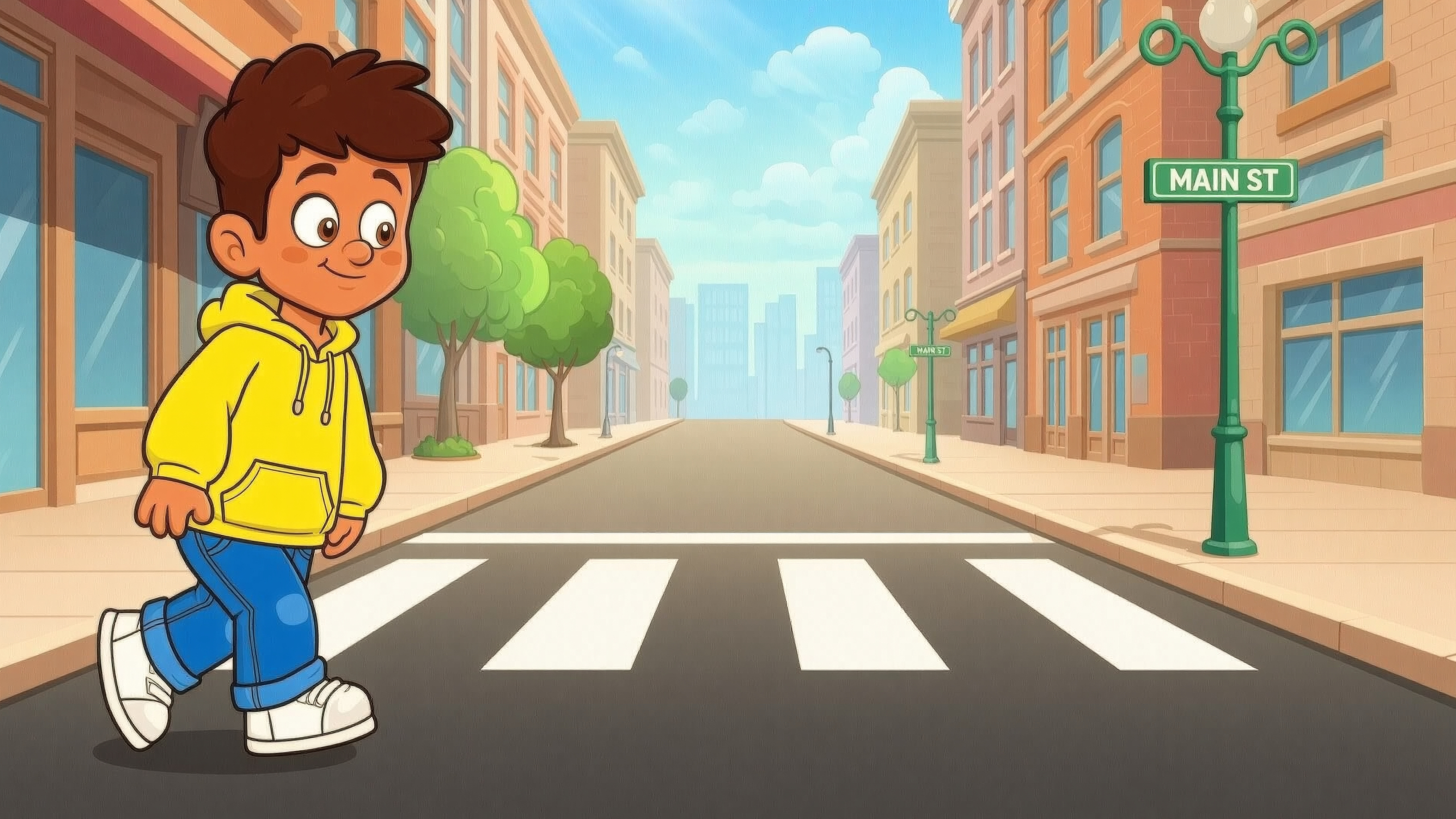
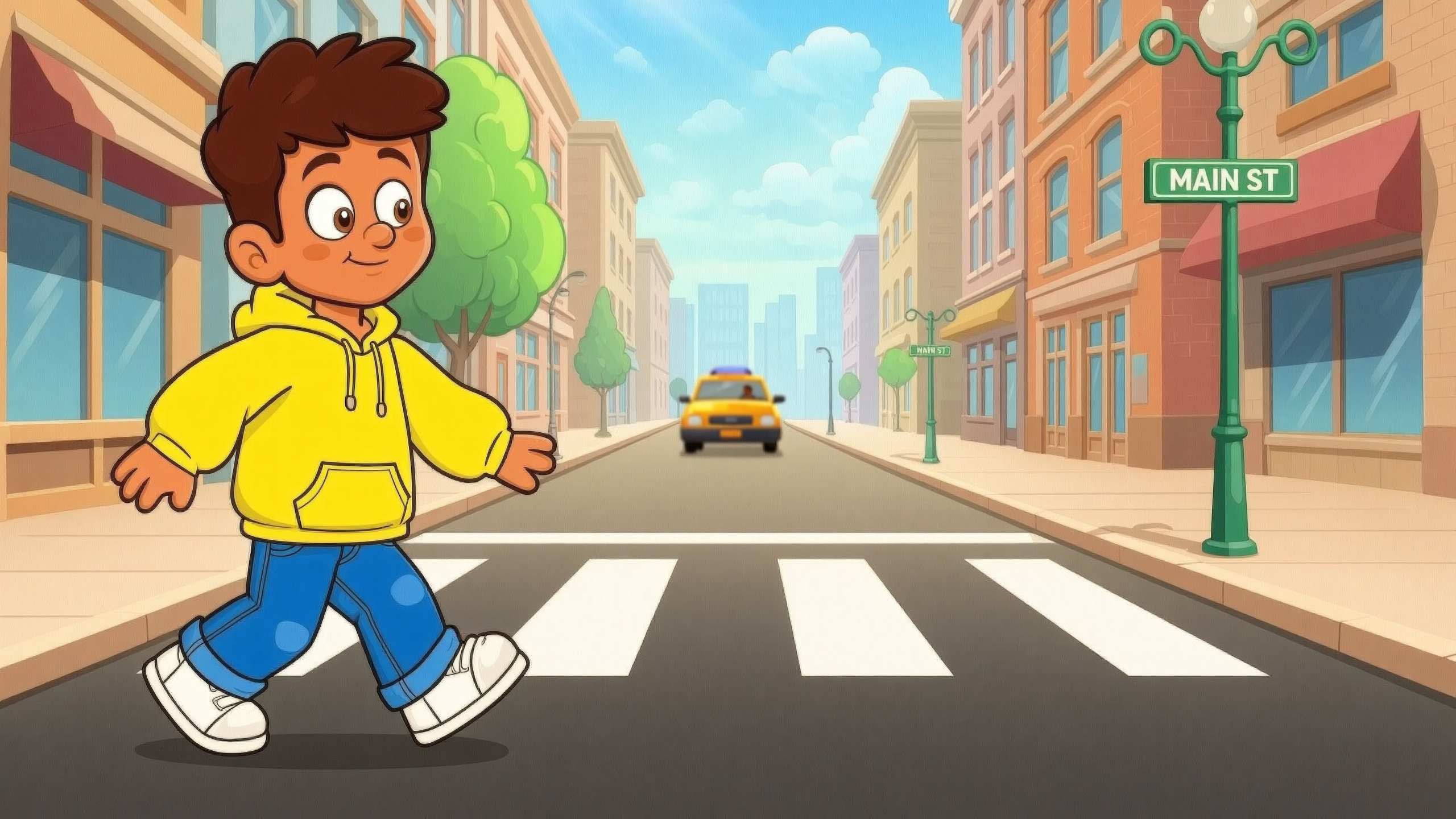
Quality Evaluation
| Dimension | Rating | Notes |
|---|---|---|
| Character consistency | ⭐⭐⭐⭐⭐ | Visual identity remains stable through all 12 frames. |
| Motion continuity | ⭐⭐⭐⭐⭐ | Standing -> walking -> turning progression is natural. |
| Background stability | ⭐⭐⭐⭐⭐ | City scene and composition remain coherent. |
| Production usability | ⭐⭐⭐⭐⭐ | Directly usable for animation reference and prototyping. |
V. Practical Templates by Scenario
| Use Case | Suggested Adjustment |
|---|---|
| Walking cycle sprite | n=8, prompt focus: "walking cycle loop". |
| 360 product showcase | n=12, prompt focus: "rotating slowly". |
| Expression transition | n=6, prompt focus: "neutral to smiling". |
| Season transition | n=8, prompt focus: "spring to winter transition". |
VI. Convert Sequence Images into Video/GIF
- Import generated frames in order into your editor (CapCut, Premiere Pro, etc.).
- Set frame duration (for example, 0.08-0.12s per image for smooth motion).
- Export as MP4 or GIF depending on platform needs.
Recommended Tools
- Online GIF: EZGIF, GIPHY
- Video editors: CapCut, Premiere Pro
VII. Summary
Wan 2.7 Image sequential mode is a highly practical feature for creators who need consistent multi-frame visual outputs fast. With one structured prompt, you can generate animation-ready image sequences for games, motion posters, and product storytelling. Use this setup as your reusable AI animation sequence template, then fine-tune frame count and stage descriptions for each production target.